Ir directamente a la información del producto
Portable Dual Screen Monitor for Laptop - Enhance Productivity on the Go - RFE Marketing Ventures

Monitor portátil de doble pantalla para computadora portátil: mejore su productividad en movimiento

Precio de oferta  $329.99 Precio habitual  $349.99
Tipo

Mejore su flujo de trabajo con un monitor portátil de doble pantalla

En el acelerado panorama digital actual, mantenerse productivo mientras viaja nunca ha sido tan crucial. El monitor portátil de doble pantalla para laptop le permite aumentar su productividad dondequiera que esté. Ya sea un viajero frecuente, un nómada digital o alguien que simplemente disfruta trabajando desde múltiples ubicaciones, este innovador dispositivo está diseñado para ampliar el espacio de su pantalla y optimizar su flujo de trabajo.

Imagina poder realizar múltiples tareas como un profesional, compartir presentaciones sin problemas o profundizar en proyectos detallados con facilidad. Con un monitor portátil de doble pantalla , las posibilidades para mejorar tu eficiencia son infinitas. Este increíble accesorio transforma tu portátil de una sola pantalla en una configuración dinámica de doble pantalla, permitiéndote gestionar tus tareas con mayor claridad y organización.

Características principales del monitor portátil de doble pantalla

  • Diseño compacto y liviano: diseñado para ser portátil sin esfuerzo, el monitor de pantalla dual cabe fácilmente en el bolso de su computadora portátil, lo que garantiza que pueda llevarlo a cualquier lugar sin problemas.
  • Configuración perfecta: la funcionalidad plug-and-play permite una instalación rápida y sencilla en la mayoría de las computadoras portátiles, lo que le ahorra un tiempo valioso.
  • Pantalla de alta definición: disfrute de imágenes impresionantes con gráficos nítidos, que hacen visible cada detalle y mejoran su experiencia visual general.
  • Compatible con múltiples dispositivos: el monitor no solo es compatible con computadoras portátiles, sino que también funciona con varios sistemas operativos y dispositivos, lo que ofrece versatilidad para todas sus necesidades.

Aumente su productividad

Usar un monitor portátil de doble pantalla permite un espacio de trabajo más organizado. Puedes tener tus correos electrónicos abiertos en una pantalla mientras trabajas en un documento en la otra. Esta visualización en paralelo proporciona una mayor amplitud de información y ayuda a eliminar la necesidad de alternar entre tareas, algo común en quienes trabajan con un solo monitor. Al optimizar la visualización de tu trabajo, puedes reducir significativamente el tiempo que dedicas a buscar información o cambiar de programa.

Perfecto para trabajo remoto y viajes

A medida que el teletrabajo se vuelve más común, contar con las herramientas adecuadas es crucial para mantener la productividad. El monitor portátil de doble pantalla es ideal para profesionales remotos, estudiantes y cualquier persona que necesite flexibilidad mientras trabaja. Puede configurar fácilmente sus dos pantallas en cafeterías, espacios de coworking o incluso en casa, garantizando así un trabajo eficiente desde cualquier lugar.

Colaboración y uso compartido mejorados

¿Se reúne con clientes o miembros del equipo? El monitor portátil de doble pantalla facilita compartir su trabajo. Ya sea que presente diseños, revise informes o presente un proyecto, el espacio de pantalla ampliado permite una experiencia más colaborativa. Puede invitar a otros a ver su pantalla mientras mantiene un área separada para notas personales o tareas en curso.

Mantenga la productividad en su viaje diario

Una configuración de dos monitores no es solo para la oficina. ¿Vas en tren o autobús? La mejora que ofrece un monitor portátil de doble pantalla te permite seguir trabajando eficientemente sin estar limitado a la pequeña pantalla de tu portátil. ¿Tienes problemas con los plazos de entrega de proyectos? Aprovecha los momentos de inactividad durante el trayecto para optimizar tu rendimiento.

Máxima versatilidad

A pesar de su diseño compacto, el monitor portátil de doble pantalla no sacrifica su capacidad. Admite varias orientaciones, lo que le permite inclinar o girar las pantallas según sus preferencias. Además, gracias a la combinación de conexiones USB y HDMI, puede conectarlo fácilmente a su portátil y configurarlo en modo de doble pantalla, lo que le permite una mayor funcionalidad en diversas situaciones de trabajo.

Fácil mantenimiento y cuidado

Cuidar su monitor portátil de doble pantalla es facilísimo. Con una carcasa resistente y una pantalla protectora, el mantenimiento es mínimo. Una simple limpieza regular con un paño de microfibra mantendrá sus pantallas libres de manchas y como nuevas. Además, su diseño de bajo consumo garantiza un menor consumo de energía, lo que contribuye tanto al ahorro como a la comodidad.

Satisfacción del cliente garantizada

Nos enorgullecemos de ofrecer productos de primera calidad que satisfacen las necesidades de nuestros clientes. Nuestro monitor portátil de doble pantalla se diseñó priorizando la experiencia del usuario, ofreciendo una solución confiable para quienes buscan versatilidad y eficiencia en sus procesos de trabajo. Únase a innumerables usuarios satisfechos eligiendo nuestra solución portátil de doble pantalla para su portátil.

¡Ordene el suyo hoy!

No pierda la oportunidad de mejorar su productividad y transformar su forma de trabajar desde cualquier lugar. Experimente ahora mismo las revolucionarias ventajas de un monitor portátil de doble pantalla . ¡Pídalo hoy mismo para optimizar sus tareas, aumentar su eficiencia y maximizar su potencial cada vez que abra su portátil! Haga clic en el botón de abajo para empezar e innovar en su experiencia laboral.

También te puede interesar

  • 5 stars: 11 (55%)
  • 4 stars: 4 (20%)
  • 3 stars: 2 (10%)
  • 2 stars: 2 (10%)
  • 1 star: 1 (5%)
J
JohNico
Perfect Travel Monitor

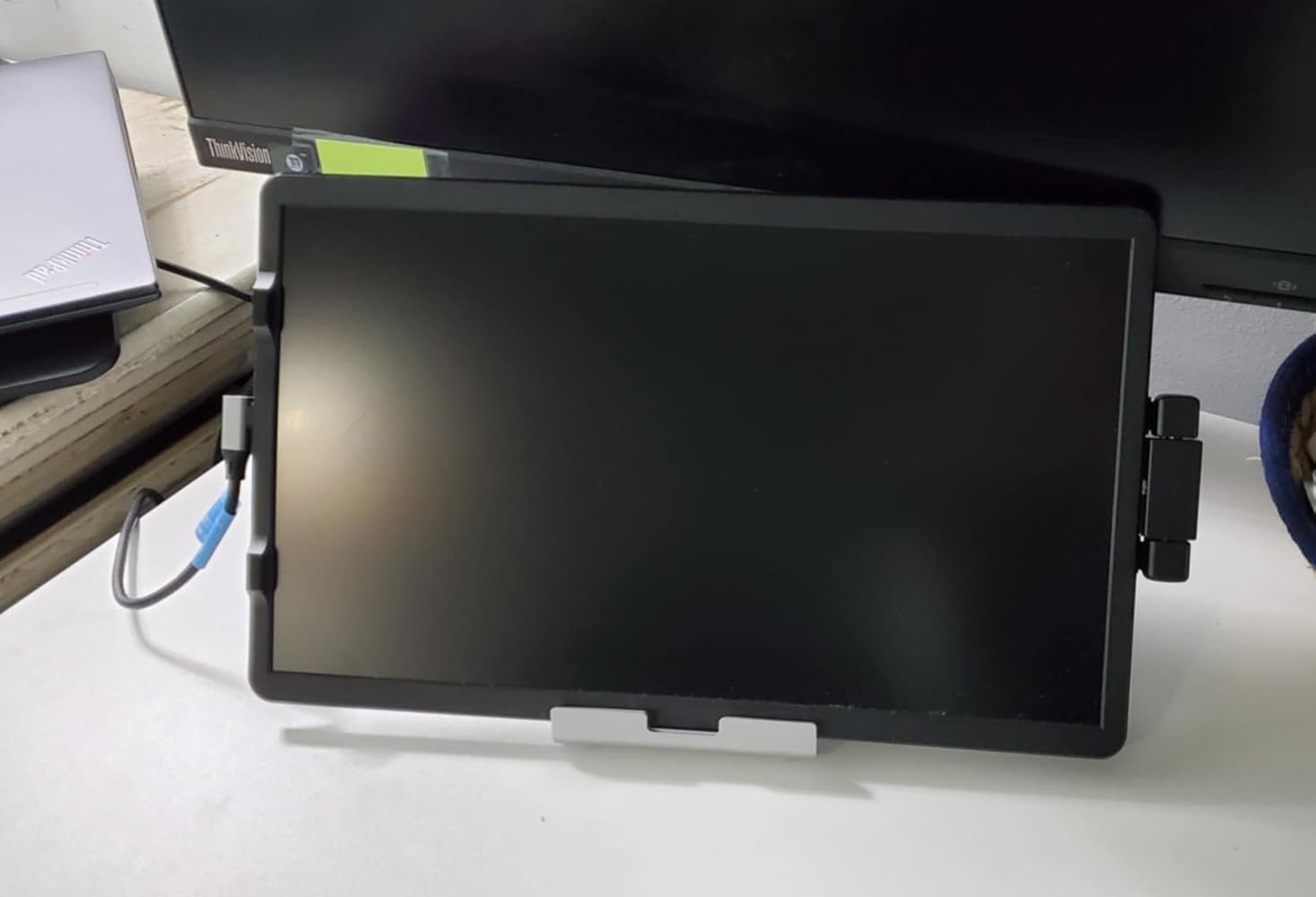
This is the perfect travel monitor and versatile. Instead of securing it permanently to my laptop, I chose to keep it freestanding so I can move it around and use it in my home office or while traveling. It's the perfect size, light and is a simple connection to my laptop with one cord. I love it!
V
V. Billit
Please help

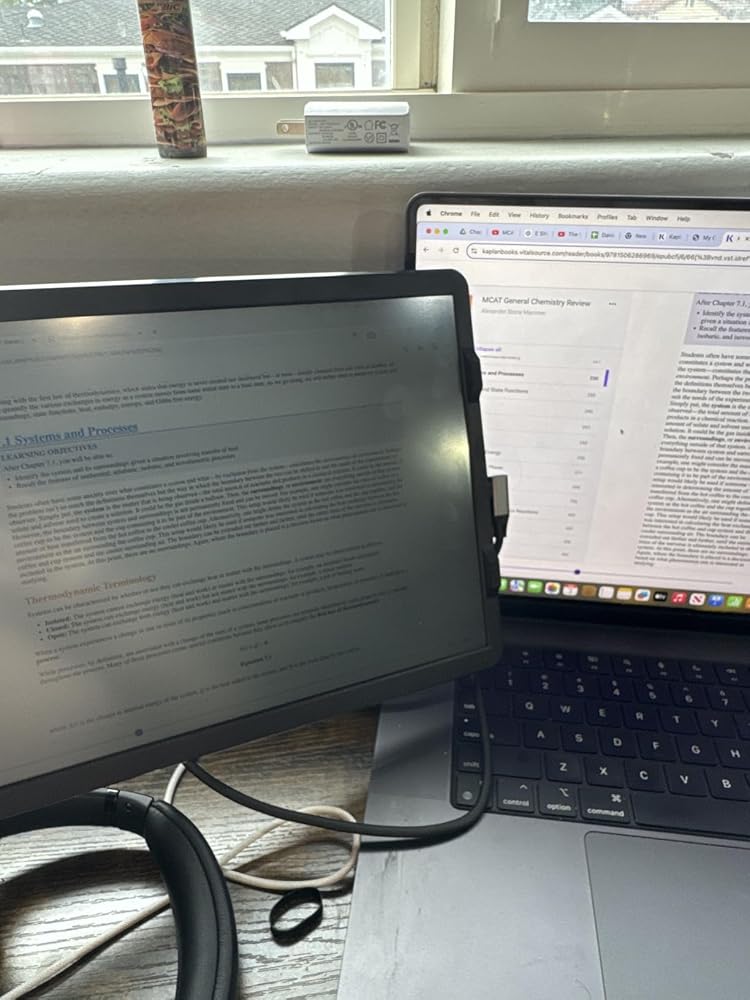
I don’t know what to do but I feel like the brightness is very low compared to my MacBook. Is this for everyone or is mine slightly not working? And yes it is at full brightness
K
Kimberly Dodd
Perfect size and attached easily!

Easy to install and picture is clear! Flip screen for when I do presentation and have conference meetings for the others to see the shared screen! Also works to set it beside the computer on a stand for conferences as well! Ease of duplicate screen for viewing multiple documents!

S
Sarah B
Great experience!

Much needed! It’s portable and easy to bring to a coffee shop to work. It’s also great for at home, the extra screen helps tremendously and it’s also easy to take off and store. Only draw back is that I got a new computer and having trouble taking the plate off of the old one to switch over.

S
Stacey K Roseberry
Folding Laptop screen extender.

This is absolutely the best work related product I've ever purchased!!! It has made using my laptop much easier. It installed easily with the instructuon card that came in the package. I can't begin to say how much more efficient my time on the laptop is now.Many of my business colleagues have now purchased one for themselves after viewing mine.

S
Sam C
Great 2nd monitor screen for a laptop

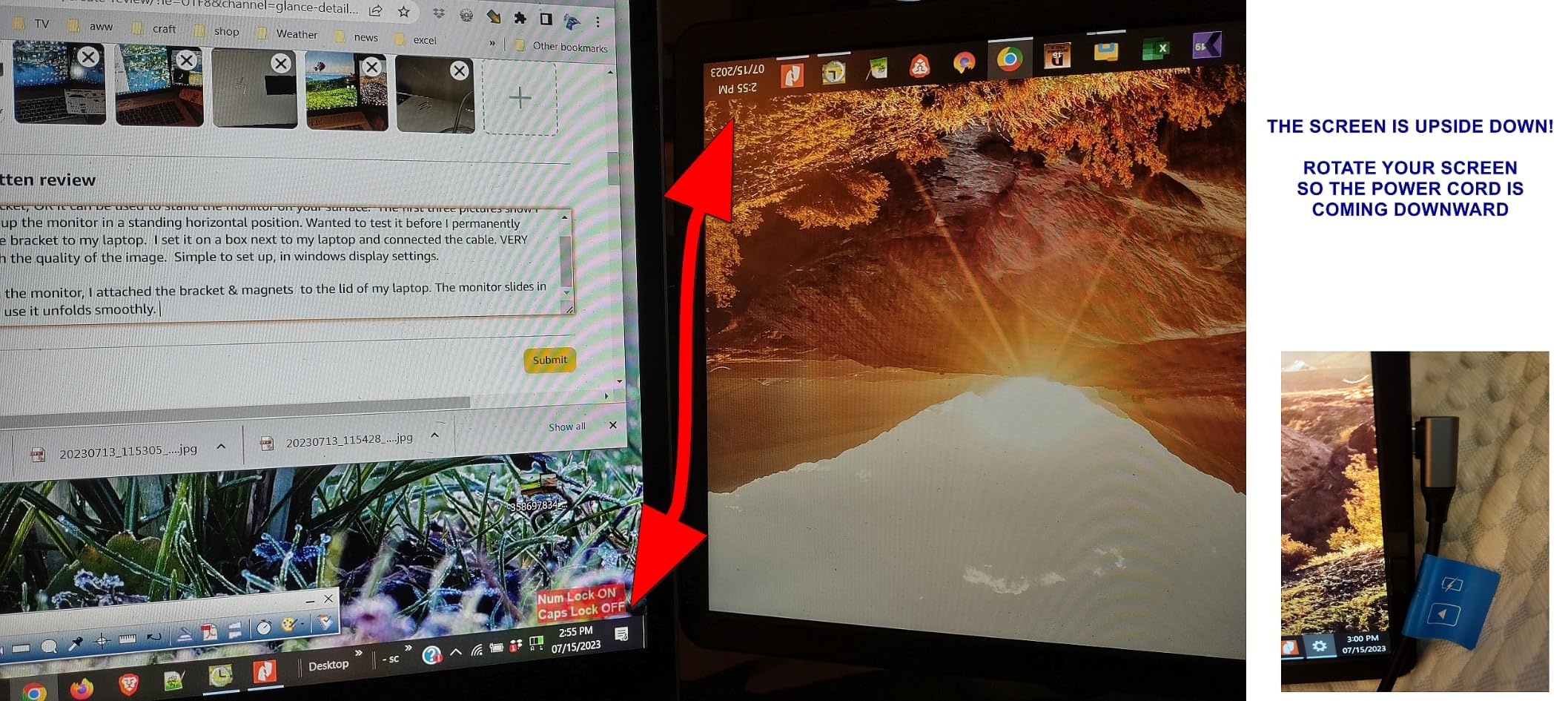
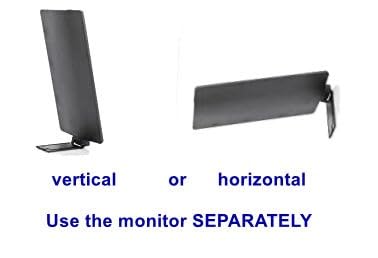
LOVE THIS and HIGHLY RECOMMEND IT. SO GLAD I caught it on sale!I waited a month before reviewing it to get good use from it before commenting.At first, I tried the monitor as a stand alone piece. The L shaped piece on the back of the monitor slides into the bracket, OR it can be used to stand the monitor on your surface. The first three pictures show I was setting up the monitor in a standing horizontal position. Wanted to test it before I permanently attached the bracket to my laptop. I set it on a box next to my laptop and connected the cable. VERY pleased with the quality of the image. Simple to set up, in windows display settings.After trying the monitor, I attached the bracket & magnets to the lid of my laptop. The monitor slides in easy and to use it unfolds smoothly. I placed my bracket a 1/8 too far in on my laptop so when I want to TILT my Farfi screen, I simply pull the monitor out a bit (the bracket is still supporting well). Having the second screen is a relief.PROS:- Easy install, and even after install, easy to use as stand alone monitor if needed- lightweight but is very sturdy- clean crisp 1080p image.- easy to adjust windows display settings. Either show same as primary screen, Extend the screen (more space) or IGNORE the 2nd monitor if you don't want to use it for some reason.- bracket is strong, adhesive easy to apply, template was well designed and versatile (left or right use)- multiple choice of cables/connections.- Farfi offers another bracket & adhesive (separate purchase) so the device can be moved to a different laptopCONS:- Image is bright enough. Wish it was just a tad brighter- the USB-C cable is LONG. A bit too long. but at least there is no tension on the port.NOTE: The last picture I posted is a PROBLEM and a FIX.IF your second screen (the Farfi) is showing content upside down, ROTATE THE SCREEN.Make sure the cable is coming DOWNWARDS from the screen.While writing this review I mistakenly had the power going UP causing the problem. I did a rotation and problem solved. (I don't remove the cable from the monitor. I unplug from the laptop only)
E
Erika
Didn’t Work For Me

My laptop couldn’t connect with this monitor- it just wouldn’t pick up on it. Never got it to work. Also, it’s just about impossible to remove that sticky backing that attaches the monitor to the laptop. I ended up cutting my finger trying to get it off.

p
paul alexander
Didn’t last long enough.

It worked great for about 10 months but now screen flickers and constantly shuts down and starts backup. Has gotten worse to point it can’t be used. Too expensive to not last.

N
Nebrido Nocon
Increase your productivity!!!

I've had the add on screen for roughly 5 months and its really helped with my productivity by having a second screen. Great picture and holds in position well. Would highly recommend product! I direct all of my co-workers to this product!

T
TplusN4
Laptop essential

This is an essential for working on large data blocks requiring multiple open windows at once.

K
KIMBERLYBUSS
Great Product

love this product would be lost without it. Use it when I'm not at home at my desk, need double screens

J
Joe
Versatile

Good option for on the good folks who need an extra screen to demonstrate or share information to others instead of having them over your shoulder or close next to you. Works great as a second screen too!

G
Gor
Effective monitor

A coworker recommended this monitor and I couldn’t be happier with this purchase to accomplish work while traveling and delivering presentations in offices while on the road.

D
DJ
Only wish I bought it sooner!

I love this product and I regret not having purchased it earlier.Cons:-I gave it 4 stars instead of 5 because it's outrageously expensive for what it is.-The usb-c cable that comes with it is too long-I ended up buying another cable that is the perfect length and stays out of the way.-The screen brightness is slightly lower than my laptop but that doesn't bother me much.-Its hard to find replacement parts for mounting it (bracket and magnets). I ordered something odd eBay that will hopefully work. Otherwise I am going to be stuck trying to use command strips to reapply the mounting plate to a different laptop in a few weeks.Pros:-I love being able to work from anywhere without losing the ability to be productive. This makes it so much easier for me to travel and still work productively. I'm not tied to my desk if I need more screen real estate.-Since this product rotates, it can be set up on either side of your laptop to align with where your usb-c port is.-It's not so heavy that it pulls down the laptop screen.-I've showed it to a few friends who are all raving about it and have asked for the link to buy one. (Although I recommend waiting for either a prime day or black Friday sale-this product is not worth $160.)I tried out 3 or 4 different laptop monitor extenders and this was by far the best option. I tried one with two screens but that was way too heavy for my laptop to handle, and pulled the screen down. I like to be able to work from ANYWHERE (including the couch) so having a monitor that didn't need its weight supported on a table was important to me.One thing to note-when storing this, I put a piece of felt between the extender and the laptop. I don't want the screen to get scratched up by its own mounting bracket. It would be nice if this came with some sort of storage protection.

M
Ministerio Echando El Pan Sobre Las Aguas Inc.
Is good but

connection is good but the cables, is anoying.unce you glue it. That's it, can't remove it. the screen is not as light it is heavier then it pulls the lap tap back.

R
Rich Campbell
Great 2nd monitor

Didn't realize what I was missing by not having a 2nd monitor. Now cant work without it. Like that it becomes part of my laptop and no need to detach. The adhesive strips that holds the plate to the laptop cover gave way, because of the weight, after a couple of days but very minor issue so still a 5 star review. Purchased stronger adhesive and holds great now.

A
Amazon Customer
Perfect for presentations and working on the go

Love having an additional screen for my laptop, really helps when presenting and when working on the go. the only issue I have is the brightness. It is dim, but not so much it makes it unreadable. overall a good product for the price ($159)

A
Adam
Screen works great when it stays connected

I've only used it for about 3 months but the cable that connects the screen to the computer started malfunctioning almost immediately. I ignored it--shouldn't have, since the support window has closed. The screen has worked great for me about 90% of the time. The 10% that it doesn't is crippling--all of a sudden I can't do my job like I'm used to doing, and it comes down to the cord not having a good connection. I believe it would probably work perfectly if the cord were replaced and I'm going to have to soon, it's been limping along but the kill in productivity when the screen cuts out is too high.

A
A. Gerry
Great additional screen when traveling

Having a second screen on the go has been super helpful! I work with 2 large external monitors plus the laptop monitor daily so when I only have a laptop to work off of I struggle. It does make the laptop a little heavy and if not propped in a good position (like if I have the laptop placed in my lap while working) it does tend to make the whole laptop tip backwards. Not worth taking a star away though! Images, font, brightness all are better than I expected. Again I don't use it for everyday work needs but certain help productivity when not working in my office. I am satisfied with my purchase and would recommend.

A
Abby
Did Not Work for Me

My colleague had one of these installed on her laptop. I bought this but it did not work for me.1. You have to stick a "base" onto your laptop first. The base is about the size of a credit card. The laptop screen extender has a piece that slides into the base. It took me a really long time to find the base. It was attached to the laptop screen extender and I could not understand how to detach it from the laptop screen extender. This screen extender comes with pretty good instructions on how to apply the base, but it did not give any helpful information about how to detach the base from the laptop screen extender. I finally gave this to a friend and he figured out how to slide the base out from the laptop screen extender. This was a huge frustration point for me.2. After you get the base detached from the laptop extender, you have to figure out where you want to stick the base on your laptop and whether you want the top of the laptop extender to line up with the top of your laptop or to place it in the middle. If you want the laptop screen extender to sit in the middle of your laptop, the manufacturer provides a paper ruler to help ensure that you place the base in the center of your laptop. The manufacturer provides helpful instructions on how to stick the base onto your laptop.Once you get the base stuck on, you can slide the laptop screen extender into the base. This added some weight and thickness to my laptop but I was okay with it.3. The manufacturer provides you with three cables. If you only want to use one cable for both video and power then your laptop must have a USB-C 3.1 port or higher. If your laptop does not have a USB-C port, then you have to use the HDMI cable to transmit video and the USB-A cable (black cable) for power.      My laptop has a USB-C port so I tried to use the single cable. I connected the cable and pressed the "On" button on the side of the laptop extender. The words, "farfi" would appear on the screen and then the screen would turn black/turn off. I was unable to get past this step and get the screen to display my computer.Pros: I asked the seller for help with questions and the seller responded very quickly and also included pictures/video. I found that the pictures and video were incredibly helpful. I am not extremely technical and do not usually assemble things, so the pictures helped me skip any confusing explanations and showed me exactly what I needed to do. There are no YouTube videos available which show how to attach everything to your laptop and power it on.When I decided that this product was not working for me, I needed to remove the base from my laptop screen. The manufacturer includes a small squeegee. I dipped the squeegee into some water diluted with Dawn soap and slowly lifted the base from my laptop cover. The adhesive was strong, but using Dawn soap to lift up the adhesive worked great. Just be patient and trust that the detergent will loosen up the adhesive. The manufacturer's instructions give the tip about using a detergent to loosen the adhesive and I really appreciated that info.

  • 5 stars: 11 (55%)
  • 4 stars: 4 (20%)
  • 3 stars: 2 (10%)
  • 2 stars: 2 (10%)
  • 1 star: 1 (5%)
J
JohNico
Perfect Travel Monitor

This is the perfect travel monitor and versatile. Instead of securing it permanently to my laptop, I chose to keep it freestanding so I can move it around and use it in my home office or while traveling. It's the perfect size, light and is a simple connection to my laptop with one cord. I love it!

V
V. Billit
Please help

I don’t know what to do but I feel like the brightness is very low compared to my MacBook. Is this for everyone or is mine slightly not working? And yes it is at full brightness

K
Kimberly Dodd
Perfect size and attached easily!

Easy to install and picture is clear! Flip screen for when I do presentation and have conference meetings for the others to see the shared screen! Also works to set it beside the computer on a stand for conferences as well! Ease of duplicate screen for viewing multiple documents!

S
Sarah B
Great experience!

Much needed! It’s portable and easy to bring to a coffee shop to work. It’s also great for at home, the extra screen helps tremendously and it’s also easy to take off and store. Only draw back is that I got a new computer and having trouble taking the plate off of the old one to switch over.

S
Stacey K Roseberry
Folding Laptop screen extender.

This is absolutely the best work related product I've ever purchased!!! It has made using my laptop much easier. It installed easily with the instructuon card that came in the package. I can't begin to say how much more efficient my time on the laptop is now.Many of my business colleagues have now purchased one for themselves after viewing mine.

S
Sam C
Great 2nd monitor screen for a laptop

LOVE THIS and HIGHLY RECOMMEND IT. SO GLAD I caught it on sale!I waited a month before reviewing it to get good use from it before commenting.At first, I tried the monitor as a stand alone piece. The L shaped piece on the back of the monitor slides into the bracket, OR it can be used to stand the monitor on your surface. The first three pictures show I was setting up the monitor in a standing horizontal position. Wanted to test it before I permanently attached the bracket to my laptop. I set it on a box next to my laptop and connected the cable. VERY pleased with the quality of the image. Simple to set up, in windows display settings.After trying the monitor, I attached the bracket & magnets to the lid of my laptop. The monitor slides in easy and to use it unfolds smoothly. I placed my bracket a 1/8 too far in on my laptop so when I want to TILT my Farfi screen, I simply pull the monitor out a bit (the bracket is still supporting well). Having the second screen is a relief.PROS:- Easy install, and even after install, easy to use as stand alone monitor if needed- lightweight but is very sturdy- clean crisp 1080p image.- easy to adjust windows display settings. Either show same as primary screen, Extend the screen (more space) or IGNORE the 2nd monitor if you don't want to use it for some reason.- bracket is strong, adhesive easy to apply, template was well designed and versatile (left or right use)- multiple choice of cables/connections.- Farfi offers another bracket & adhesive (separate purchase) so the device can be moved to a different laptopCONS:- Image is bright enough. Wish it was just a tad brighter- the USB-C cable is LONG. A bit too long. but at least there is no tension on the port.NOTE: The last picture I posted is a PROBLEM and a FIX.IF your second screen (the Farfi) is showing content upside down, ROTATE THE SCREEN.Make sure the cable is coming DOWNWARDS from the screen.While writing this review I mistakenly had the power going UP causing the problem. I did a rotation and problem solved. (I don't remove the cable from the monitor. I unplug from the laptop only)

E
Erika
Didn’t Work For Me

My laptop couldn’t connect with this monitor- it just wouldn’t pick up on it. Never got it to work. Also, it’s just about impossible to remove that sticky backing that attaches the monitor to the laptop. I ended up cutting my finger trying to get it off.

p
paul alexander
Didn’t last long enough.

It worked great for about 10 months but now screen flickers and constantly shuts down and starts backup. Has gotten worse to point it can’t be used. Too expensive to not last.

N
Nebrido Nocon
Increase your productivity!!!

I've had the add on screen for roughly 5 months and its really helped with my productivity by having a second screen. Great picture and holds in position well. Would highly recommend product! I direct all of my co-workers to this product!

T
TplusN4
Laptop essential

This is an essential for working on large data blocks requiring multiple open windows at once.

K
KIMBERLYBUSS
Great Product

love this product would be lost without it. Use it when I'm not at home at my desk, need double screens

J
Joe
Versatile

Good option for on the good folks who need an extra screen to demonstrate or share information to others instead of having them over your shoulder or close next to you. Works great as a second screen too!

G
Gor
Effective monitor

A coworker recommended this monitor and I couldn’t be happier with this purchase to accomplish work while traveling and delivering presentations in offices while on the road.

D
DJ
Only wish I bought it sooner!

I love this product and I regret not having purchased it earlier.Cons:-I gave it 4 stars instead of 5 because it's outrageously expensive for what it is.-The usb-c cable that comes with it is too long-I ended up buying another cable that is the perfect length and stays out of the way.-The screen brightness is slightly lower than my laptop but that doesn't bother me much.-Its hard to find replacement parts for mounting it (bracket and magnets). I ordered something odd eBay that will hopefully work. Otherwise I am going to be stuck trying to use command strips to reapply the mounting plate to a different laptop in a few weeks.Pros:-I love being able to work from anywhere without losing the ability to be productive. This makes it so much easier for me to travel and still work productively. I'm not tied to my desk if I need more screen real estate.-Since this product rotates, it can be set up on either side of your laptop to align with where your usb-c port is.-It's not so heavy that it pulls down the laptop screen.-I've showed it to a few friends who are all raving about it and have asked for the link to buy one. (Although I recommend waiting for either a prime day or black Friday sale-this product is not worth $160.)I tried out 3 or 4 different laptop monitor extenders and this was by far the best option. I tried one with two screens but that was way too heavy for my laptop to handle, and pulled the screen down. I like to be able to work from ANYWHERE (including the couch) so having a monitor that didn't need its weight supported on a table was important to me.One thing to note-when storing this, I put a piece of felt between the extender and the laptop. I don't want the screen to get scratched up by its own mounting bracket. It would be nice if this came with some sort of storage protection.

M
Ministerio Echando El Pan Sobre Las Aguas Inc.
Is good but

connection is good but the cables, is anoying.unce you glue it. That's it, can't remove it. the screen is not as light it is heavier then it pulls the lap tap back.

R
Rich Campbell
Great 2nd monitor

Didn't realize what I was missing by not having a 2nd monitor. Now cant work without it. Like that it becomes part of my laptop and no need to detach. The adhesive strips that holds the plate to the laptop cover gave way, because of the weight, after a couple of days but very minor issue so still a 5 star review. Purchased stronger adhesive and holds great now.

A
Amazon Customer
Perfect for presentations and working on the go

Love having an additional screen for my laptop, really helps when presenting and when working on the go. the only issue I have is the brightness. It is dim, but not so much it makes it unreadable. overall a good product for the price ($159)

A
Adam
Screen works great when it stays connected

I've only used it for about 3 months but the cable that connects the screen to the computer started malfunctioning almost immediately. I ignored it--shouldn't have, since the support window has closed. The screen has worked great for me about 90% of the time. The 10% that it doesn't is crippling--all of a sudden I can't do my job like I'm used to doing, and it comes down to the cord not having a good connection. I believe it would probably work perfectly if the cord were replaced and I'm going to have to soon, it's been limping along but the kill in productivity when the screen cuts out is too high.

A
A. Gerry
Great additional screen when traveling

Having a second screen on the go has been super helpful! I work with 2 large external monitors plus the laptop monitor daily so when I only have a laptop to work off of I struggle. It does make the laptop a little heavy and if not propped in a good position (like if I have the laptop placed in my lap while working) it does tend to make the whole laptop tip backwards. Not worth taking a star away though! Images, font, brightness all are better than I expected. Again I don't use it for everyday work needs but certain help productivity when not working in my office. I am satisfied with my purchase and would recommend.

A
Abby
Did Not Work for Me

My colleague had one of these installed on her laptop. I bought this but it did not work for me.1. You have to stick a "base" onto your laptop first. The base is about the size of a credit card. The laptop screen extender has a piece that slides into the base. It took me a really long time to find the base. It was attached to the laptop screen extender and I could not understand how to detach it from the laptop screen extender. This screen extender comes with pretty good instructions on how to apply the base, but it did not give any helpful information about how to detach the base from the laptop screen extender. I finally gave this to a friend and he figured out how to slide the base out from the laptop screen extender. This was a huge frustration point for me.2. After you get the base detached from the laptop extender, you have to figure out where you want to stick the base on your laptop and whether you want the top of the laptop extender to line up with the top of your laptop or to place it in the middle. If you want the laptop screen extender to sit in the middle of your laptop, the manufacturer provides a paper ruler to help ensure that you place the base in the center of your laptop. The manufacturer provides helpful instructions on how to stick the base onto your laptop.Once you get the base stuck on, you can slide the laptop screen extender into the base. This added some weight and thickness to my laptop but I was okay with it.3. The manufacturer provides you with three cables. If you only want to use one cable for both video and power then your laptop must have a USB-C 3.1 port or higher. If your laptop does not have a USB-C port, then you have to use the HDMI cable to transmit video and the USB-A cable (black cable) for power.      My laptop has a USB-C port so I tried to use the single cable. I connected the cable and pressed the "On" button on the side of the laptop extender. The words, "farfi" would appear on the screen and then the screen would turn black/turn off. I was unable to get past this step and get the screen to display my computer.Pros: I asked the seller for help with questions and the seller responded very quickly and also included pictures/video. I found that the pictures and video were incredibly helpful. I am not extremely technical and do not usually assemble things, so the pictures helped me skip any confusing explanations and showed me exactly what I needed to do. There are no YouTube videos available which show how to attach everything to your laptop and power it on.When I decided that this product was not working for me, I needed to remove the base from my laptop screen. The manufacturer includes a small squeegee. I dipped the squeegee into some water diluted with Dawn soap and slowly lifted the base from my laptop cover. The adhesive was strong, but using Dawn soap to lift up the adhesive worked great. Just be patient and trust that the detergent will loosen up the adhesive. The manufacturer's instructions give the tip about using a detergent to loosen the adhesive and I really appreciated that info.